Interpolation
Note
interpolation should only be applied when unwanted peaks are clearly defined and when interpreting the original unaffected signal is straightforward. For spectra with with strong interference the unmixing tool is potentially a better suited option.
With this tool you can get rid of regions with unwanted peaks by replacing them with interpolations. One or more regions can be selected by the user, across which interpolations are calculated with
the interpolate() method from ramCOH.
The algorithm is similar to the one used for calculating baselines and its settings are adjusted similarly as well.
Interpolation regions are set
by typing absolute boundary values the settings bar or
by clicking and dragging the grey bars in the plot.
Any number of interpolation regions can be used and they are added or removed by clicking the + and - buttons in the settings bar
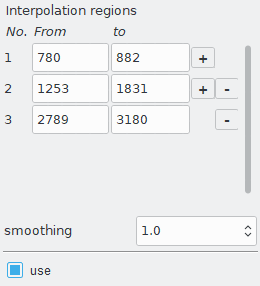
interpolation settings.
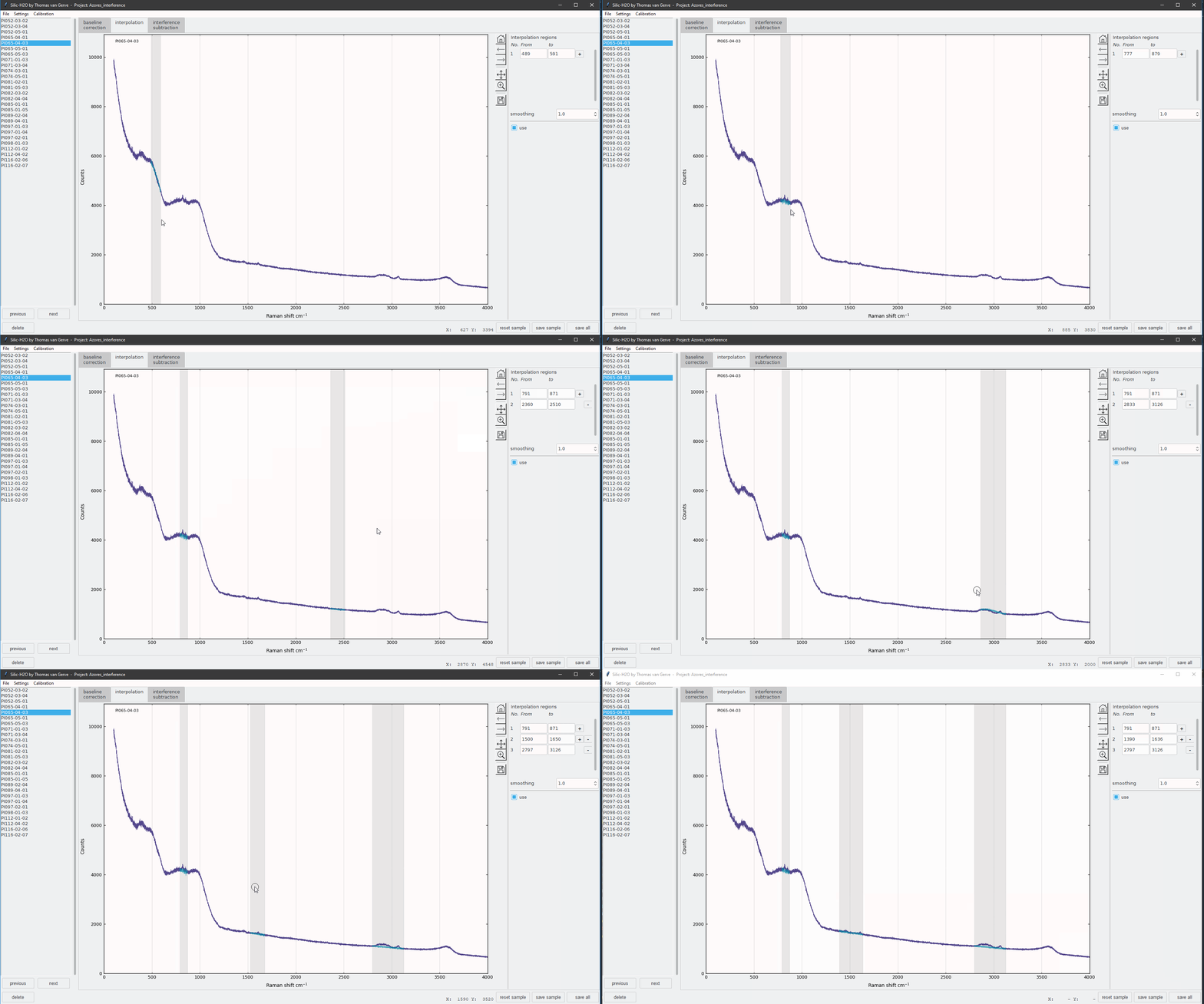
Removing olivine (790–870 cm-1) and resin peaks (1390–1640 and 2800–3130 cm-1) by interpolating.
Smoothing of the interpolated signal is set the same as baseline smoothing.
Interpolated signals are shown as blue lines and are recalculated in real-time and adjusted with each parameter change. If you are happy with the results, click the use tickbox in the settings bar
to continue using the interpolated spectrum in the baseline correction tool.
Only the datapoints inside the interpolation regions will be replaced by interpolated signal, the rest of the spectrum stays intact.